The machine · Service 03
Run it on your own machine.
A quiet machine under a desk, sized to the models you actually intend to run, installed and kept current for you. It is where the software lives rather than a second product. The same build runs on it or against a hosted model, and this is the option where nothing leaves the building.
Who it’s for
Firms with a genuine confidentiality obligation, sites with no reliable connectivity, or anyone wanting always-on work that would be uneconomic when metered per token.
What’s included
- Sized against the models you intend to run, not a spec sheet
- Specified, built and installed, or you buy the hardware direct and I set it up
- Updates, patching, monitoring and support
- Staff training and handover documentation
Which machine, and what it runs
The one thing worth understanding before you spend anything: these boxes are limited by memory bandwidth, not capacity. Every one of them will happily load a model far larger than it can usefully run, which is precisely the trap a spec sheet walks you into.

Mac mini M6
32 GB unified memory
- Memory
- 32 GB unified
- Bandwidth
- 170 GB/s
- gpt-oss-120bdoes not fit
The workhorse. Mixture-of-experts, ~75 GB, roughly o4-mini class.
- GLM-4.7-Flash~41 tok/s
The fast one. ~22 GB, MIT, and the only model here that fits every machine on this list.
- A dense 70Bdoes not fit
The trap. Loads on most of these and is useless on nearly all of them.
The cheapest honest starting point, and for a lot of firms the right one. It runs the small and mid-sized models well and will not touch a 120B. Buy this if the work is drafting, summarising and search over your own documents, and you would rather find that out for under two thousand dollars than eleven.
Snapshot · 2026-09-04 · published figures, not measured by me
Note what the comparison does to the most expensive options. Never buy on parameter count or price. Ask for measured tokens per second on the specific model you’ll actually be given, and the model side of that comparison is here.
What arrives, in order
The console
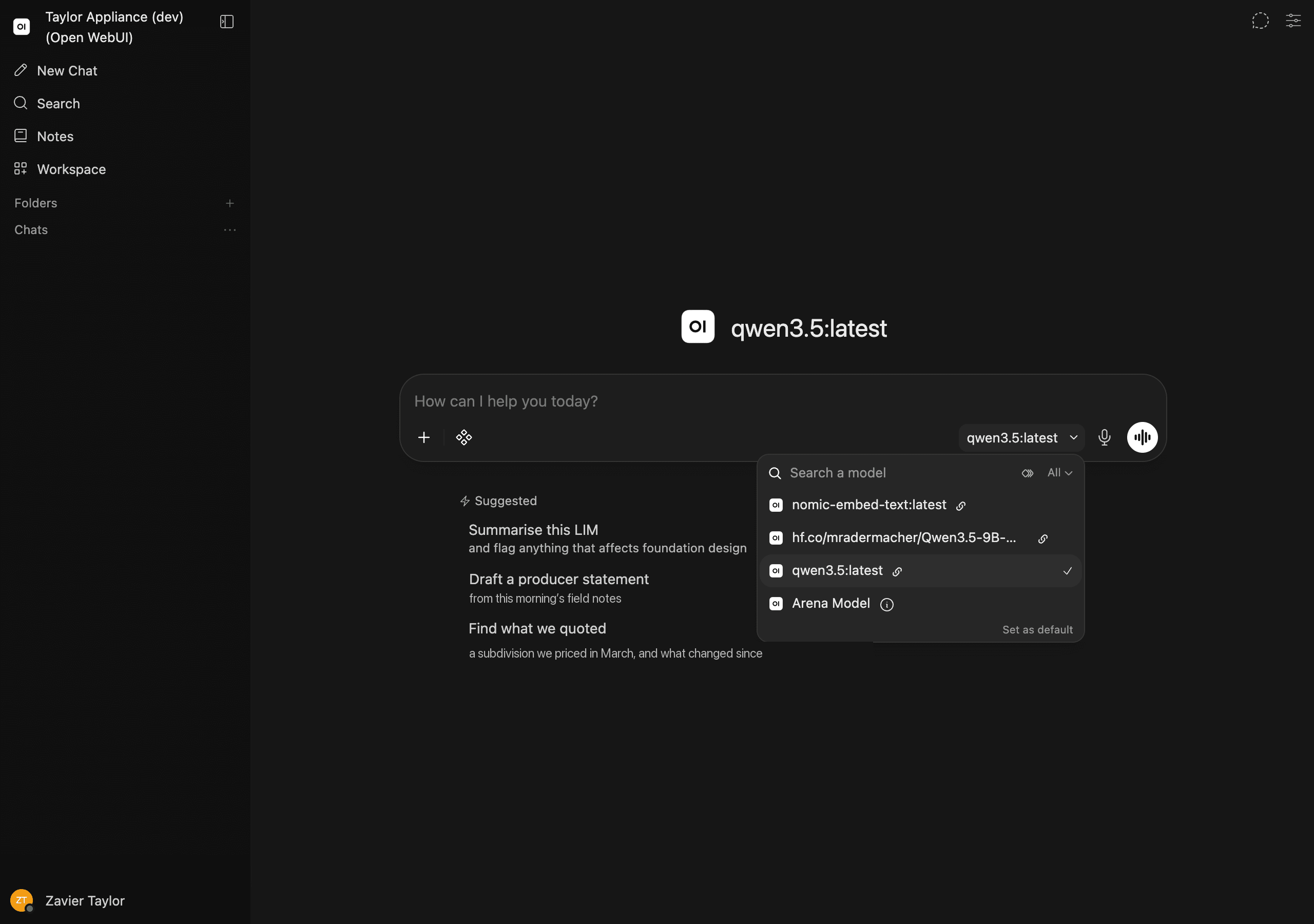
A screen on your own network, showing four things about the machine in your building.
- What is loaded
- Which models are on the box right now, and what each one costs you to keep there.
- What is running
- The jobs in flight, who asked for them, and how long they have taken.
- What was asked
- A full local record of every prompt, kept on your hardware and searchable by you.
- What left the building
- Bytes sent to any outside service. This is the figure that matters, and on a machine configured the way I would configure it, it reads zero.
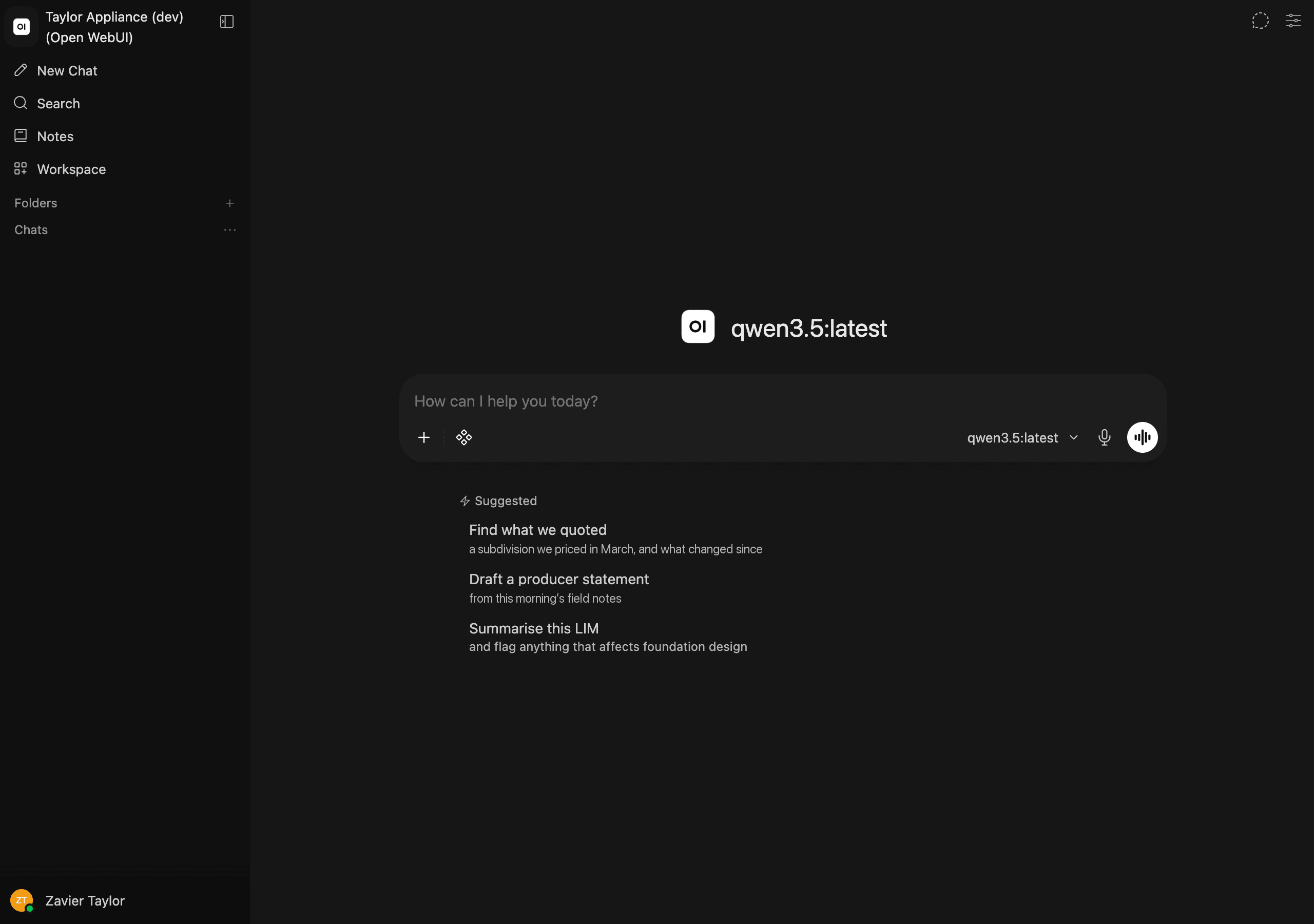
There is no screenshot here because the software is still being built. A rendered impression of an interface that does not exist yet would be the one dishonest thing on the site.
When something is too hard for the box
A local model handles the great majority of office work and is genuinely behind the frontier on a few things: reasoning across very long documents, long autonomous runs, complex multi-file code. The obvious fix is to route the hard requests to a frontier API.
The obvious fix contains a trap, and it is worth stating before anyone sells it to you. A router that escalates on difficulty sends your hardest prompts out of the building, and the hard ones are the sensitive ones. You would keep the small talk local and post the crown jewels. A compliance officer finds that in about one question.
So it is not a setting. It is three explicit modes, and you choose one:
- 01
Sealed
Law, accounting, anything privilegedLocal only. There is no outbound path to any AI provider.
The router is switched off and the machine has no route to an external model. This is a firewall rule your own IT people can inspect, not a promise in a contract, which is the entire reason it is worth anything. It is also the default, and where every engagement starts.
Leaves the building · None
- 02
Redacted hybrid
Firms wanting frontier quality on hard work, carefullyNames and identifiers are stripped before anything leaves.
A redaction step removes personal details, the frontier model reasons over placeholders, and the real values are put back locally. Useful, and narrower than it sounds. See the warning below, which you should read before choosing this.
Leaves the building · Redacted text only, every call logged
Automated redaction is roughly 70% accurate on general text. It misses about three names in ten. That makes it a reasonable control for incidental personal detail in ordinary queries, and an unacceptable one for privileged client matter. Privileged work stays Sealed. I will not configure it otherwise, and anyone who offers to has not read the benchmarks.
- 03
Open hybrid
Engineering, surveying, constructionYou choose, per message, whether it stays local or goes out.
A visible toggle in the chat: local, or send this one to a frontier model. No automatic classifier deciding on your behalf, because a classifier's idea of 'hard' and yours will differ exactly when it matters. Simplest of the three, and the right answer when the work is not confidential.
Leaves the building · Only what you explicitly send, every call logged
If anything leaves at all
- Zero-retention terms, in writing
- The cloud route is pinned to an endpoint contracted not to retain or train on your content. Both major vendors default to no training on API traffic, but true zero retention is an add-on that has to be requested and approved, not a checkbox and not something to assume.
- The exception your lawyer will want to see
- Even under zero-retention terms, content flagged by a vendor's trust-and-safety systems can be retained for up to two years. That single clause is a large part of why privileged matter stays Sealed regardless of what the contract otherwise says.
- Every outbound call logged, and the log is yours
- What left the building, when, and at whose request. Not overhead. It is the thing that lets you answer the question honestly six months later, which is when it will actually be asked.
For a first install I’d recommend Sealed regardless of which you think you want. It is the cheapest to run, it has no compliance surface, and you will know within a month whether the gap is one you actually feel.